
Korean Personal Dojang Generator (막도장)
Design a Korean personal dojang (막도장) — the everyday unregistered name seal used for deliveries, forms and routine acknowledgements, with the name in a round red frame.
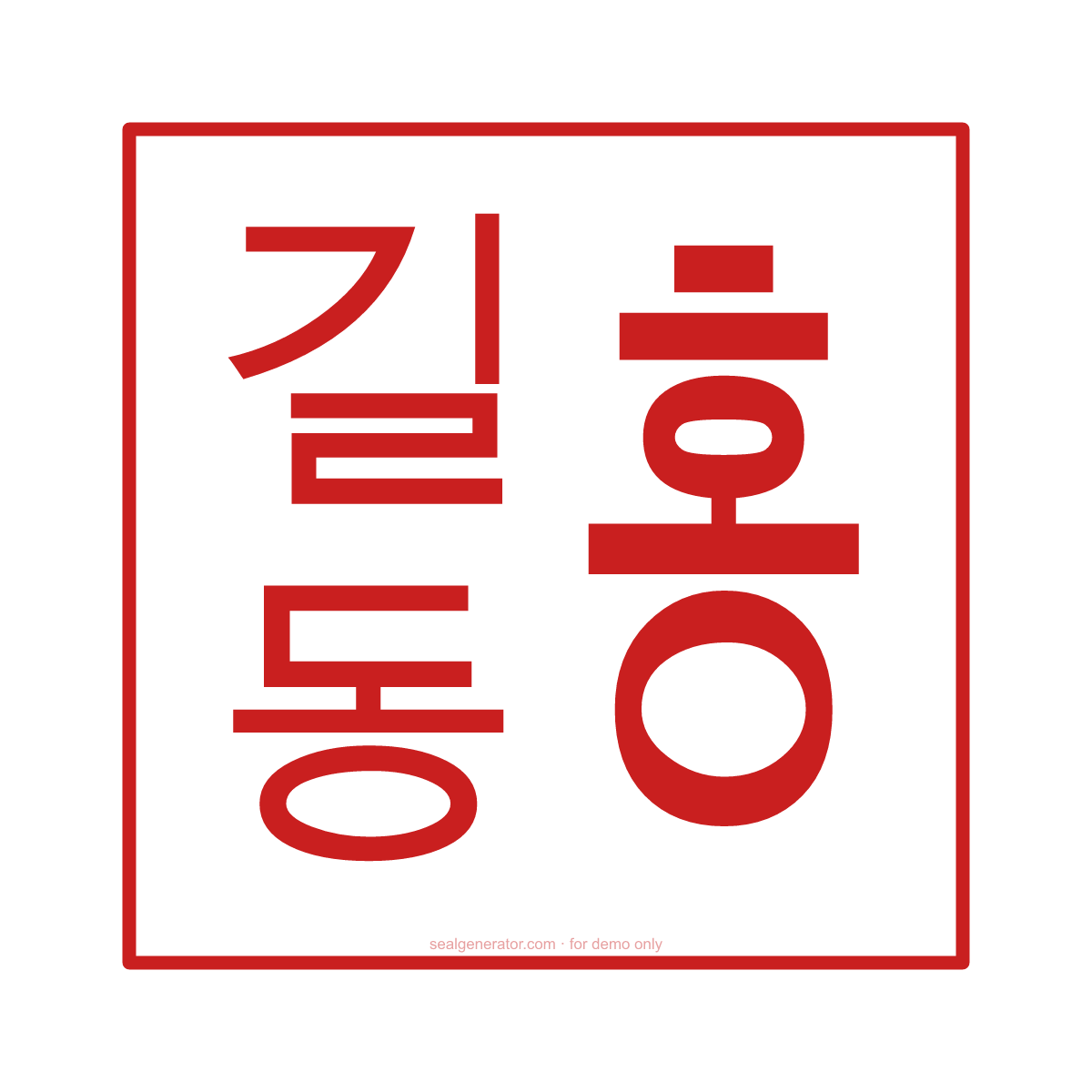
Make this seal your own
Open this template in the free online editor to change the text, fonts, colors and size, then export a transparent PNG or vector SVG.
Customize in editorAt a glance
- Shape
- Personal name seal
- Ink colour
- #C91F1F
- Carving
- Relief (red strokes)
- Typeface
- Noto Serif KR
- Ring text
- 홍길동
- Border
- Single ring
About this seal
A makdojang (막도장) is an inexpensive, unregistered everyday seal carrying a person's name. Koreans use it to sign for parcels, stamp routine forms and acknowledge documents — the equivalent of a casual signature. Unlike the registered 인감, it is not filed with any office, so it is convenient for daily use but not for legal acts that require a certified seal impression.
Common uses
- Signing for deliveries and parcels
- Routine forms and office paperwork
- Acknowledging receipts and circulars
- Everyday use that does not need a registered seal
How to create it
- Open the template — the round personal-dojang layout is pre-applied.
- Enter the name to appear on the seal.
- Choose Myeongjo or Gothic to match your preference.
- Keep a compact round frame typical of everyday seals.
- Export a transparent PNG or SVG.
Frequently asked questions
Can a makdojang be used for legal documents?
Generally no — legal acts that require a certified seal need the registered 인감 and its seal certificate. The makdojang is for everyday use.
What name goes on a personal dojang?
Usually the person's full name. The editor lets you set the text and choose Myeongjo, Gothic or brush fonts.
Legal & usage
Seals render in your browser for design and demonstration only. A makdojang is unregistered and informal — only create one depicting a name you are entitled to use.
Related templates
Read more
- Dojang and Electronic Seals in KoreaThe difference between ingam dojang and mak dojang, how seal registration works, and where electronic seals and signatures stand in Korea.
- How to Design a Company Seal: A Complete GuideEvery element that goes into a company seal — ring text, fonts, the center star, borders, and anti-counterfeit codes — and how to combine them into a clean, balanced design.
- How to Add a Seal to a PDF or Word DocumentStep-by-step: export a transparent seal and place it cleanly into Word, PDF, or an image — so it floats over your content instead of pushing it around.
- How to Create a Transparent PNG SealWhy seals need a transparent background, how to export one, when to use high-resolution or SVG instead, and how to place it cleanly into documents and images.