
Corporate Seal Generator
Design a Western-style corporate seal — the company name curved around the rim, CORPORATE SEAL on the bottom arc, and a center star — for certificates, resolutions and stationery mock-ups.
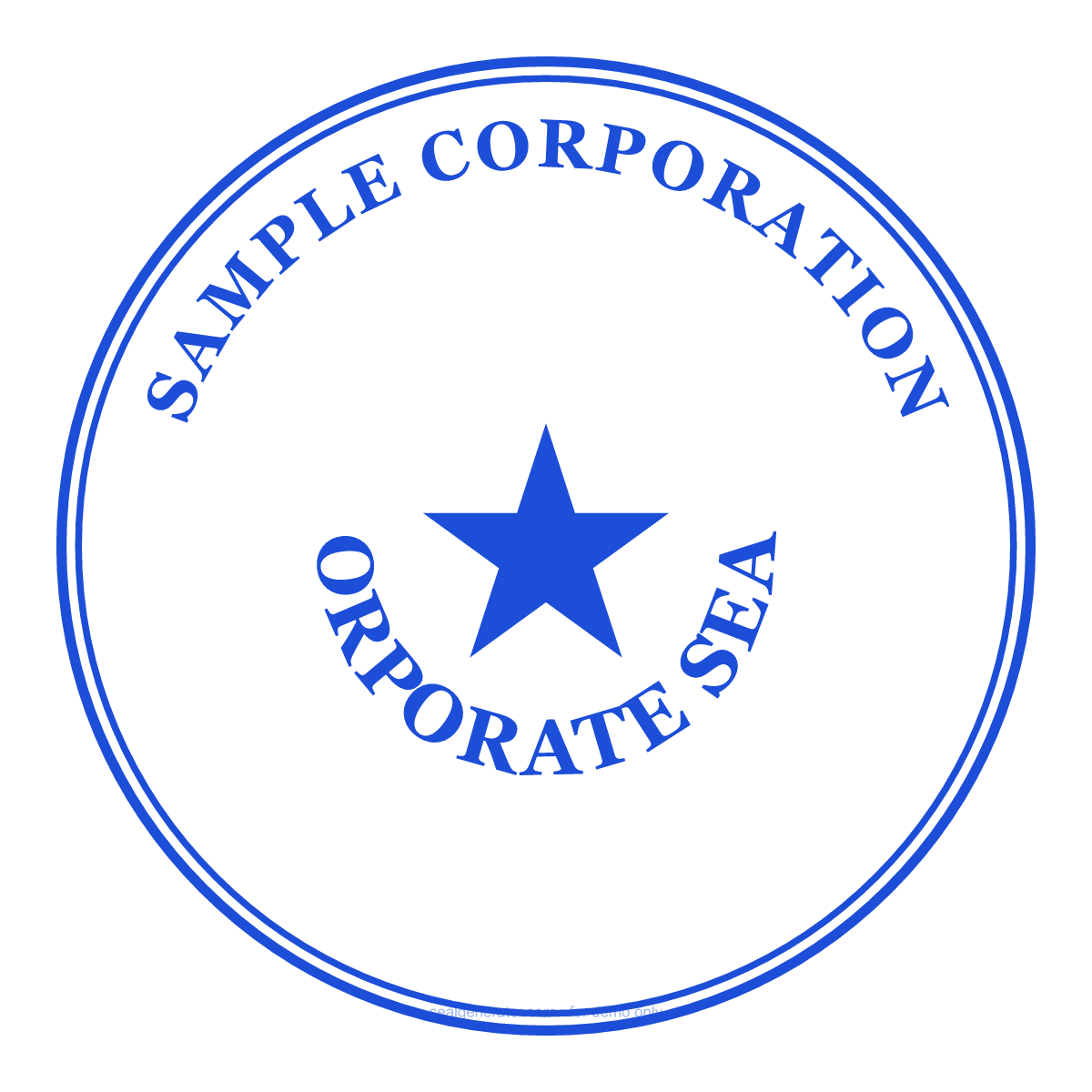
Make this seal your own
Open this template in the free online editor to change the text, fonts, colors and size, then export a transparent PNG or vector SVG.
Customize in editorAt a glance
- Shape
- Round
- Ink colour
- #1D4ED8
- Centre element
- Five-point star
- Typeface
- Georgia
- Ring text
- SAMPLE CORPORATION
- Bottom text
- CORPORATE SEAL
- Border
- Double ring
About this seal
A corporate seal (or common seal) is an emblem a company uses to mark documents as formally executed by the organization. The traditional design places the company name on the top arc, CORPORATE SEAL on the bottom, and a star or monogram in the center, sometimes with the year or state of incorporation. While many jurisdictions no longer require a physical seal, companies still use one on share certificates, board resolutions and ceremonial documents.
Common uses
- Share certificates and board resolutions
- Certificates, deeds and formal letters
- Stationery, branding and embosser mock-ups
- Ceremonial and archival documents
How to create it
- Open the template — the round corporate-seal layout is pre-applied.
- Enter your company name on the top arc.
- Edit the CORPORATE SEAL bottom text and center mark.
- Add the incorporation year or state if you wish.
- Choose a color and font, then export a transparent PNG or SVG.
Frequently asked questions
Is a corporate seal legally required?
Many jurisdictions have made the common seal optional, but companies still use one on certificates and resolutions. Check your local company law for any requirements.
What goes in the center of a corporate seal?
Commonly a star, monogram or the incorporation year. The editor lets you choose a star, custom text or a monogram.
Legal & usage
Seals render in your browser for design and demonstration only. Only create a corporate seal for an organization you are authorized to represent.
Read more
- How to Design a Company Seal: A Complete GuideEvery element that goes into a company seal — ring text, fonts, the center star, borders, and anti-counterfeit codes — and how to combine them into a clean, balanced design.
- Are Image Seals Legally Valid?A seal you generate as an image looks official, but does it carry legal weight? Here's what an image seal can and can't do, the risks of misuse, and the lawful ways to use one.
- How to Add a Seal to a PDF or Word DocumentStep-by-step: export a transparent seal and place it cleanly into Word, PDF, or an image — so it floats over your content instead of pushing it around.
- How to Create a Transparent PNG SealWhy seals need a transparent background, how to export one, when to use high-resolution or SVG instead, and how to place it cleanly into documents and images.